Launching a membership or LMS (Learning Management System) website is one of the most exciting ventures in the digital age. Whether you’re building a course platform, a private learning community, or a full-fledged eLearning academy, your hosting choice can make or break your success — especially when choosing the best hosting for membership & LMS websites.
Here’s why:
Speed matters – A slow site will frustrate learners and increase drop-offs.
Scalability matters – As your courses and members grow, your server should handle the demand without downtime.
Security matters – You’re not just hosting content; you’re protecting member data and transactions.
In short, the right hosting ensures smooth video streaming, fast course loading, secure transactions, and happy learners. In this guide, we’ll break down the must-have hosting features and reveal what makes the best hosting for membership & LMS websites truly stand out.
Let’s dive in.
What to Look Out for in the Best Hosting for Membership & LMS Websites
Not all web hosting services are built with eLearning in mind. LMS websites require more resources, higher uptime, and tools tailored for interactivity and multimedia. Here are the key factors you should prioritize:
1. Performance and Speed
Courses often involve videos, quizzes, and member dashboards—all of which require fast loading times. Hosting with SSD storage, built-in caching, and global CDN support is crucial.
2. Scalability
Your platform may start with 50 users but grow to thousands. Choose hosting for membership & LMS websites that allows you to scale resources (RAM, CPU, storage) as your platform expands.
3. Uptime and Reliability
Every minute of downtime is a disruption to your learners. A reliable LMS hosting provider should guarantee at least 99.9% uptime.
4. Security and Backups
Since membership sites deal with user data, logins, and sometimes payments, security is non-negotiable. Look for:
Free SSL certificates
Firewalls and malware scanning
Automated backups
DDoS protection
5. LMS Compatibility
Your hosting must support popular LMS plugins like LearnDash, LifterLMS, Tutor LMS, and Sensei if you’re on WordPress. For non-WordPress solutions like Moodle, you’ll need hosting that can handle PHP, MySQL, and sometimes specific server configurations.
6. Support and Expertise
When something breaks, you want fast, expert support. Choose providers that understand LMS requirements, not just generic website hosting.
7. Video Hosting Support
Videos are bandwidth-heavy. Hosting your videos directly on your web server is risky—it slows down the site and inflates costs. The best hosting solutions integrate smoothly with external video hosting services like Vimeo, Wistia, or AWS.
8. Cost and Value
Don’t just chase the cheapest plan. Consider how much performance, storage, and support you’re getting for the price. A slightly higher monthly fee can save you thousands in lost learners and downtime.
Managed vs Unmanaged Hosting
When setting up an LMS or membership site, one of the first decisions you’ll face is whether to go with managed hosting or unmanaged hosting. The difference comes down to how much technical responsibility you want to handle.
1. Managed Hosting
What it means: The hosting provider takes care of most of the technical tasks—server setup, updates, security patches, backups, and even some performance optimization.
Why it’s ideal for LMS websites: Most course creators and educators aren’t server administrators. Managed hosting ensures you can focus on your content and students — it’s often part of the best hosting for membership & LMS websites setup.
Pros:
Worry-free server management
24/7 expert support
Automated backups & updates
Enhanced security layers
Cons:
More expensive than unmanaged hosting
Less flexibility for developers who want total server control
2. Unmanaged Hosting
What it means: You rent the server resources, but the rest is up to you—installation, updates, maintenance, and security.
Who it’s for: Tech-savvy developers or businesses with dedicated IT staff who want full control of the environment.
Pros:
Total customization of the server
Generally cheaper than managed hosting
Cons:
Steep learning curve if you’re not technical
Risk of downtime or vulnerabilities if poorly managed
???? For most membership or LMS sites, managed hosting is the smarter option. Unless you have in-house developers, the time saved is worth the higher price.
The 3 Tiers of Web Hosting: Shared, VPS, and Dedicated Hosting
Once you’ve decided between managed or unmanaged, the next step is choosing your hosting tier. Hosting is generally categorized into three levels: Shared Hosting, VPS, and Dedicated Hosting. Each tier balances cost, performance, and scalability differently.
Tier 1: Shared Hosting (Entry-Level)
How it works: Your website shares server resources (RAM, CPU, storage) with dozens—or even hundreds—of other websites.
Best for: Beginners, small blogs, or tiny membership sites with very few users.
Pros:
Very affordable (as low as $3–$10/month)
Easy setup and beginner-friendly
Cons:
Slow performance when traffic increases
Limited storage and bandwidth
Risk of security issues if another site on the server is compromised
Verdict: Not recommended for serious LMS or membership platforms. It’s fine for testing, but you’ll outgrow it fast.
Tier 2: VPS (Virtual Private Server) Hosting (Mid-Level)
How it works: You still share a physical server with others, but resources are partitioned so you get guaranteed CPU, RAM, and storage.
Best for: Small-to-medium LMS sites expecting a few hundred to a few thousand members.
Pros:
Better performance and stability than shared hosting
Scalable resources (upgrade RAM/CPU as you grow)
More control over server settings
Cons:
More expensive than shared hosting ($20–$80/month)
Requires some technical knowledge if unmanaged
Verdict: A strong choice for most new eLearning businesses. VPS balances affordability with performance — making it one of the most reliable choices for hosting for membership & LMS websites.
Tier 3: Dedicated Hosting (High-End)
How it works: You rent an entire server exclusively for your website. No sharing resources with others.
Best for: Large-scale LMS platforms with thousands of users, complex features, and heavy video or multimedia usage.
Pros:
Maximum performance and reliability
Complete control of server environment
Handles massive traffic without lag
Cons:
Very expensive ($100–$500+/month)
Overkill for small-to-medium LMS websites
Verdict: If you’re running an enterprise-level eLearning business (think Udemy or Coursera scale), dedicated hosting is worth it. For most others, VPS is sufficient.
Tier 1: Shared Hosting (Entry-Level Option)
Shared hosting is the cheapest entry point into web hosting. Providers like Bluehost, HostGator, or SiteGround (entry plans) fall into this category.
Why It’s Tempting:
Plans often start at just $3–$10 per month.
Hosting companies usually offer one-click WordPress installs, free SSL, and simple dashboards.
Perfect for beginners testing their ideas before going “all in.”
Why It’s Risky for LMS/Membership Sites:
Performance bottlenecks: When another site on the same server experiences traffic spikes, your site slows down.
Limited resources: LMS plugins like LearnDash or LifterLMS demand more CPU/RAM than typical blogs. Shared hosting simply can’t keep up.
Scaling issues: If your student base grows from 50 to 500, shared hosting will likely crash.
Best Use Case:
Only suitable for very small membership websites (less than 50 active users), hobby projects, or “testing” a proof-of-concept course before upgrading.
Tier 2: VPS (Virtual Private Server) Hosting (Best for Most LMS Sites)
VPS hosting is where most successful LMS platforms begin to thrive. Providers like Cloudways, InMotion VPS, A2 Hosting, or Hostinger VPS offer strong plans in the $20–$80/month range.
Why VPS Works for eLearning:
Dedicated resources: Even though you share a physical server, your RAM/CPU/storage are reserved for your site only.
Scalability: You can easily upgrade from 2 GB RAM to 8 GB or more as student numbers grow.
Better performance: Quizzes, video embeds, member dashboards, and payment systems run smoothly.
Balance of price and power: Affordable compared to dedicated hosting, but powerful enough for 1,000+ members.
Managed VPS = Sweet Spot
For educators who don’t want to touch server commands, managed VPS hosting is the perfect balance. Providers like Cloudways or WP Engine handle server management, caching, backups, and security so you can focus on teaching.
Best Use Case:
Ideal for small-to-medium eLearning businesses—say, 500 to 5,000 students—who need strong performance without enterprise costs.
Tier 3: Dedicated Hosting (Enterprise-Grade Option)
Dedicated hosting is the powerhouse of hosting options. Think of it as having your own private data center, entirely devoted to your LMS. Providers include Liquid Web, InMotion Dedicated, or Kinsta Enterprise.
Why It’s Powerful:
Maximum control: You decide the exact server setup.
Top-tier performance: Handles thousands of concurrent students, live video classes, and high traffic with ease.
High-level security: Since the server is yours alone, risks from “bad neighbor” websites are eliminated.
Why It’s Overkill for Most:
Costs run $100–$500+/month.
Requires technical skills or a managed service to configure and maintain.
If you’re running a new course site with under 1,000 members, the investment is wasted.
Best Use Case:
Perfect for large-scale eLearning academies or established membership platforms expecting heavy traffic, streaming, or enterprise-level clients.
Quick Hosting Tier Summary
| Tier | Cost Range | Best For | LMS/Membership Suitability |
|---|---|---|---|
| Shared Hosting | $3–$10/mo | Beginners, hobby projects | ❌ Too limited for serious LMS |
| VPS Hosting | $20–$80/mo | Small-to-mid platforms | ✅ Best balance of cost + performance |
| Dedicated Hosting | $100–$500+/mo | Enterprise-level eLearning | ✅ Only for large-scale academies |
Our Top Picks for Web Hosting Your eLearning Site
After breaking down hosting tiers, let’s talk about providers that consistently deliver strong performance and qualify as the best hosting for membership & LMS websites. These companies are known for speed, uptime, scalability, and LMS compatibility.
1. Cloudways (Best for Flexibility & Scaling)
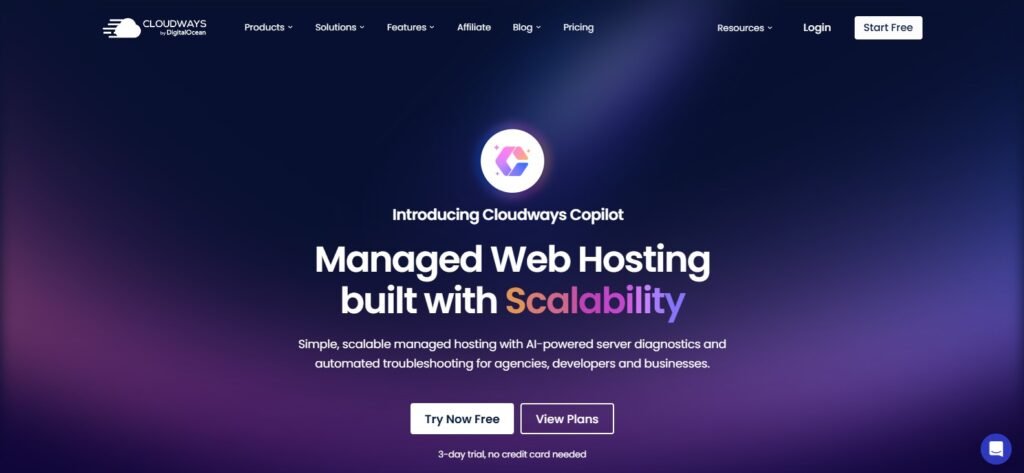
Why it’s great: Cloudways acts as a managed layer on top of powerful cloud providers like AWS, Google Cloud, and DigitalOcean. This gives you cloud performance with simplified management.
Pros:
Pay-as-you-go pricing
Excellent caching and CDN integration
Easy scalability as your membership grows
Best For: Medium to large eLearning websites that expect traffic spikes and need reliable performance.
2. Kinsta (Best for Premium WordPress LMS Hosting)
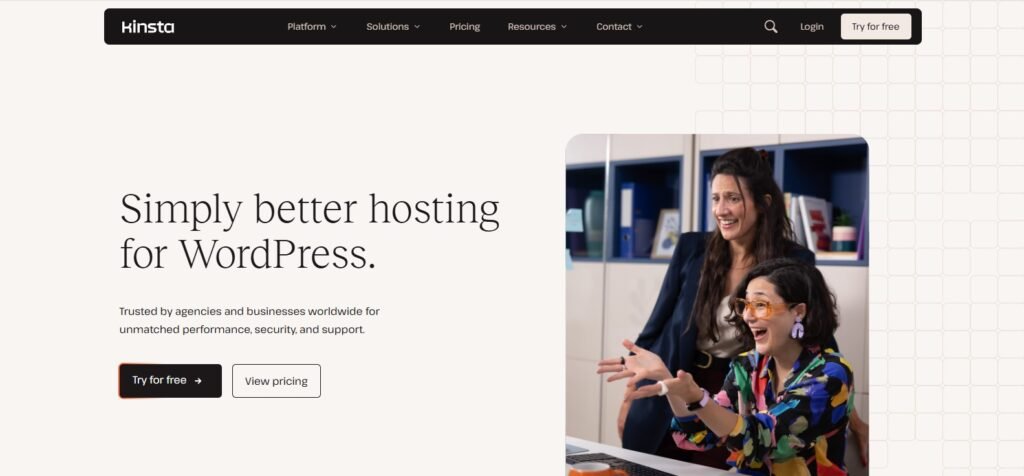
Why it’s great: Kinsta is a managed WordPress hosting platform built on Google Cloud. Known for lightning speed, strong security, and 24/7 expert support.
Pros:
Automatic daily backups
Built-in CDN (Cloudflare Enterprise)
24/7 WordPress experts
Best For: WordPress-based LMS websites using LearnDash, LifterLMS, or Tutor LMS.
3. WP Engine (Best for WordPress-Only LMS Sites)
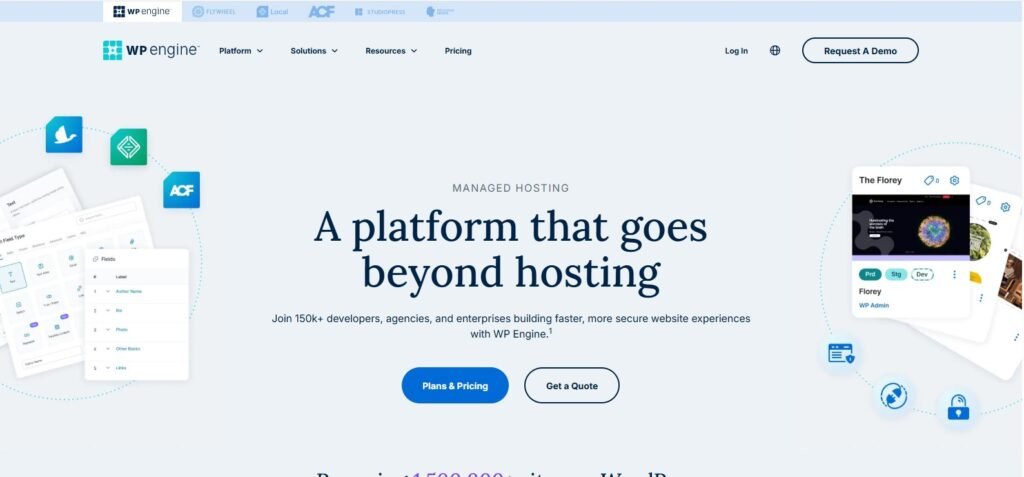
Why it’s great: Similar to Kinsta, WP Engine is a managed WordPress host optimized for performance, speed, and security.
Pros:
Top-tier caching (EverCache)
Free SSL and advanced security
Developer-friendly staging environments
Best For: Course creators who want a premium, WordPress-focused hosting provider with minimal headaches.
4. SiteGround (Best for Beginners)
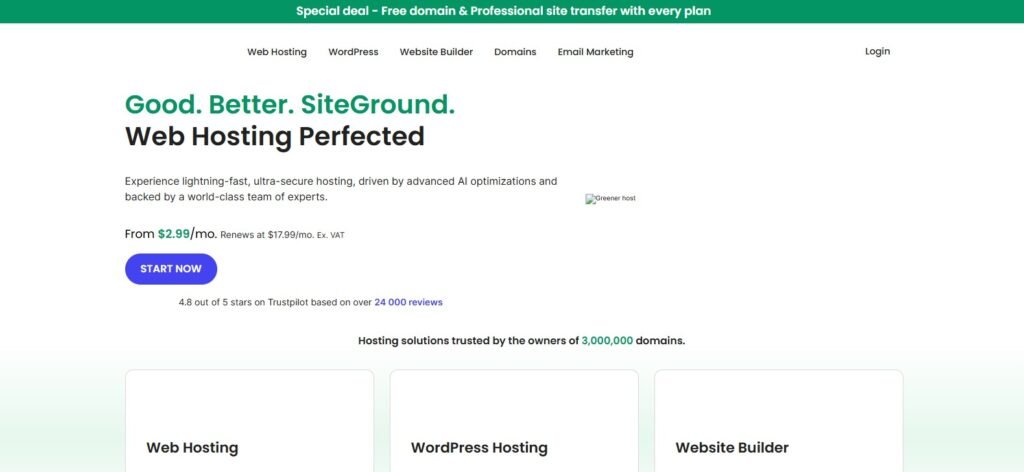
Why it’s great: SiteGround offers affordable managed hosting with excellent support. Their GrowBig or GoGeek plans are especially good for new LMS sites.
Pros:
Free daily backups
Beginner-friendly dashboard
Great support
Best For: Small-to-medium eLearning platforms looking for affordable but reliable hosting.
5. Liquid Web (Best for Enterprise LMS)
Why it’s great: Known for powerful VPS and dedicated hosting. Liquid Web offers managed WordPress and WooCommerce solutions tailored for large-scale sites.
Pros:
High-performance dedicated servers
Custom solutions for enterprise LMS needs
Rock-solid uptime and support
Best For: Large eLearning businesses or enterprises needing dedicated resources.
Video Hosting: Just as Important as Web Hosting
Here’s a truth many course creators discover too late: web hosting and video hosting are two different things.
If you try to host your video lessons directly on your web server, you’ll run into:
Slow performance: Videos eat up bandwidth, slowing down everything else.
Storage limitations: A few HD videos can max out your hosting plan.
Playback issues: Your server isn’t optimized for adaptive streaming, so videos may buffer or freeze.
Why Dedicated Video Hosting Matters
Optimized streaming: Platforms like Vimeo or Wistia automatically adjust video quality based on internet speed.
Player customization: Add branding, calls-to-action, or interactive elements inside videos.
Better analytics: Track engagement, completion rates, and drop-off points.
Reduced server load: Videos are served from specialized video CDNs, keeping your LMS site fast.
???? In short: Your web host powers your LMS, but your video host powers the learning experience. Both are equally important for building a smooth and scalable eLearning business.
Wistia
Wistia is a premium video hosting platform designed for businesses that need branded, professional video delivery.
Why It Works for LMS Sites
Custom Branding: Unlike YouTube, you can completely customize the player with your own logo and brand colors.
Interactive Features: Add CTAs, email capture forms, and chapter markers directly inside your video.
Analytics: Track how much of a video each student watches, where they pause, and where they drop off.
Best For: Course creators who want to build a premium brand experience and use video as a marketing + teaching tool.
Spotlightr (Previously VooPlayer)
Spotlightr is another specialized video hosting service popular among educators and marketers.
Why It Stands Out
Interactive Elements: Insert quizzes, polls, or clickable links inside videos.
Security: Restrict video access by domain so only members of your LMS can view them.
Engagement Tools: Track viewer behavior and send data to email marketing platforms.
Best For: LMS creators who want interactive, gamified video lessons to boost student engagement.
Interactive Video Services by AWS
Amazon Web Services (AWS) offers advanced video solutions like Amazon Interactive Video Service (IVS) and AWS MediaConvert.
Why It’s Powerful
Enterprise-Level Streaming: Handles huge volumes of students simultaneously.
Customization: Build live classes, real-time chat, or advanced video delivery pipelines.
Pay-As-You-Go Pricing: You only pay for what you use, scaling with your audience.
Best For: Large-scale platforms with in-house developers who need complete control and scalability. (Think Udemy-level.)
Publitio
Publitio is an affordable cloud-based video hosting and media management platform.
Key Benefits
Easy Integration: Embeds seamlessly into WordPress and LMS plugins.
Customizable Player: White-label options let you remove third-party branding.
Affordable Plans: More budget-friendly compared to Wistia or AWS.
Best For: Small-to-medium LMS websites looking for a balance of affordability and control.
Vimeo
Vimeo is one of the most popular hosting platforms for online course creators.
Why It’s Popular
Affordable Pricing: Starts much lower than Wistia.
Privacy Controls: Hide videos from Vimeo search and allow playback only on your domain.
Global CDN: Smooth video delivery around the world.
Basic Analytics: Track views and engagement.
Best For: Course creators who want professional-looking video delivery without the high cost of Wistia.
Self-Hosted Videos
Some creators choose to host videos directly on their own web server or cloud storage (like Google Drive or Dropbox).
Pros
Total control over your content.
No reliance on third-party platforms.
Cons
Poor performance: Most web hosts can’t handle streaming.
Security issues: Easier for videos to be downloaded or pirated.
Technical headaches: Requires configuration for adaptive streaming.
Verdict: Avoid unless you have advanced tech skills and a high-performance server.
YouTube
YouTube is free, fast, and globally available — but comes with trade-offs.
Pros
Free hosting with unlimited bandwidth.
Excellent streaming quality.
Huge potential for marketing (students can discover you on YouTube).
Cons
Ads & distractions: Unless you use YouTube Premium embedding, ads may interrupt lessons.
No control: Students can get distracted by suggested videos.
Privacy issues: Harder to restrict content just for paying members.
Best For: Marketing your courses publicly, or for creators just starting with a limited budget.
Conclusion
Choosing the best hosting for membership and LMS websites is not just about affordability — it’s about building a stable, scalable, and secure foundation for your eLearning business.
Here’s the big takeaway:
Shared Hosting is too limited for serious LMS projects. It’s fine for testing but won’t handle real growth.
VPS Hosting is the sweet spot for most course creators. It balances performance, scalability, and cost, making it ideal for small-to-mid-sized platforms.
Dedicated Hosting is the gold standard for enterprise-level eLearning platforms that expect thousands of users and require maximum reliability.
At the same time, video hosting is equally important. Platforms like Vimeo, Wistia, and Spotlightr take the load off your web server and give your students smooth, distraction-free learning experiences.
???? If you’re just starting out, pair a managed VPS host like Cloudways or Kinsta with a reliable video host like Vimeo or Spotlightr. As your platform grows, you can upgrade your resources without losing performance.
The future of online learning depends not only on the quality of your content but also on the experience you deliver. Fast load times, secure access, and flawless video playback turn casual visitors into loyal members.
Now it’s your move: choose a hosting solution that grows with you, and invest in video hosting that matches your teaching style. Your students will thank you for it.
FAQs
1. Can I use shared hosting for my LMS website?
Technically yes, but it’s not recommended. Shared hosting lacks the performance and scalability needed for LMS platforms. Once you get more than a handful of students, you’ll experience slow loading and downtime.
2. Is VPS hosting good enough for 1,000+ members?
Yes. A managed VPS with enough allocated RAM and CPU can comfortably handle 1,000+ users, especially if paired with a CDN and external video hosting.
3. Do I really need separate video hosting?
Yes. Hosting videos directly on your web server will slow down your site and eat storage quickly. A platform like Vimeo, Wistia, or Spotlightr ensures smooth streaming and better control.
4. Which hosting is best for WordPress LMS plugins like LearnDash or Tutor LMS?
Managed WordPress hosts such as Kinsta, WP Engine, or SiteGround work best since they’re optimized for WordPress performance and security.
5. What’s the most budget-friendly option for starting out?
For beginners, SiteGround’s GrowBig plan combined with Vimeo video hosting is a cost-effective way to launch a small LMS website.
6. What if my LMS grows to thousands of members?
Upgrade to a dedicated server or a higher-tier managed cloud solution (Cloudways on AWS or Google Cloud, Liquid Web dedicated hosting). This ensures scalability and performance.
7. Can I use YouTube videos for my courses?
Yes, but it’s not ideal for paid courses. YouTube doesn’t provide privacy controls for members-only access, and ads can distract learners. It’s better for free content or marketing.
8. How much should I budget for hosting my LMS?
Expect to spend $30–$100/month for a VPS with managed support. Add another $10–$50/month for professional video hosting depending on your needs.
9. Is AWS video hosting too complicated?
For beginners, yes. AWS is powerful but requires technical skills. Most small-to-medium LMS platforms are better off with Vimeo or Spotlightr.
10. Which is more important — web hosting or video hosting?
Both are equally critical. Web hosting ensures your LMS loads fast and stays secure, while video hosting guarantees smooth playback and student engagement.



