Running a WordPress website with thousands of posts, comments, and registered users can quickly overwhelm a regular shared hosting plan.
As your site scales, the database grows larger, queries get heavier, and simultaneous user activity increases — causing slow load times, 500 errors, and even downtime.
Most entry-level WordPress hosts are built for small blogs or portfolio sites, not for dynamic platforms with massive databases and high user concurrency.
That’s why choosing the right hosting for large-scale WordPress installations isn’t just important — it’s mission-critical.
This guide reveals the best hosting providers for websites that need to handle big databases, high traffic, and complex user operations — all while maintaining speed, reliability, and security.
Why Large WordPress Databases Require Special Hosting
A “large” WordPress database usually means:
- 50,000+ posts or custom post types
- Tens of thousands of registered users (membership, LMS, community sites)
- Hundreds of comments and revisions
- Media-heavy libraries (images, videos, attachments)
These factors lead to:
- Increased MySQL queries per second (QPS)
- More I/O operations for storage
- Higher CPU and RAM usage
- Potential database locking and query delays
To maintain smooth performance, your hosting environment must provide:
- Dedicated resources (not shared CPU cycles)
- High IOPS SSD or NVMe storage
- Optimized MySQL or MariaDB configuration
- Caching layers (Redis/Memcached)
- Scalable infrastructure (VPS or cloud)
Let’s break down what features you actually need.
Key Requirements for Hosting a Large WordPress Database
1. Powerful CPU and Ample RAM
Each WordPress request involves multiple PHP and MySQL operations.
A busy site with many logged-in users can easily exceed 2–4 GB RAM.
For large databases, go for:
- Minimum 4 CPU cores
- At least 8 GB RAM
- Dedicated resources (not oversold shared hosting)
2. Fast NVMe Storage
Databases rely on read/write speed. NVMe drives outperform traditional SSDs by 5–10x in IOPS (input/output operations per second).
This directly improves query response time and dashboard performance.
3. Advanced Database Handling
Choose a host that supports:
- MySQL 8.0+ or MariaDB 10.6+
- Remote database connections
- Separate DB and web servers for large installations
- Slow query logs for performance tuning
4. Caching Layers
Caching is your secret weapon for scalability.
Your host should support:
- Object cache (Redis or Memcached)
- Page cache (LiteSpeed or NGINX)
- Opcode cache (OPcache for PHP)
5. Scalability and Load Balancing
If you’re hosting an eLearning platform, forum, or multi-user SaaS site, you’ll need auto-scaling and load balancing to distribute traffic efficiently.
6. Reliable Backups and Staging
Large databases are vulnerable to corruption.
Your hosting must offer:
- Daily or hourly automated backups
- One-click restore
- Staging environments for safe updates
Common Problems with Hosting Large WordPress Sites
- Slow Queries: Overloaded MySQL due to poor indexing.
- CPU Throttling: Shared hosts limit your PHP processes.
- Memory Shortage: Insufficient RAM crashes background tasks (cron, queues).
- Inefficient Caching: Missing Redis or object cache.
- Downtime During Traffic Spikes: No scalable infrastructure.
Avoid these by picking a host optimized for large WordPress installations.
Top Hosting Providers for Large WordPress Databases and Many Users (2025)
Below are the best options ranked by performance, scalability, and value.
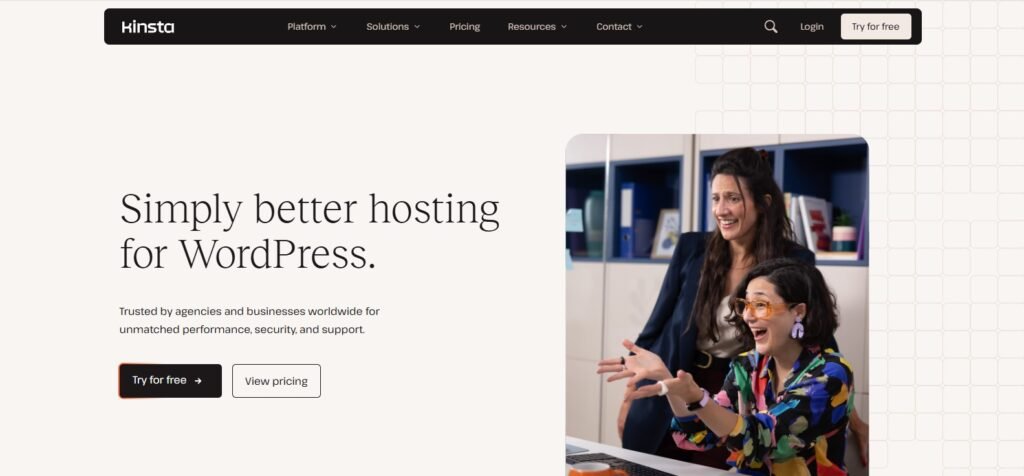
1. Kinsta – Best Overall for Enterprise-Level WordPress Performance
Overview:
Kinsta runs on the Google Cloud Platform (GCP) and is specifically optimized for high-traffic, data-heavy WordPress sites. It provides isolated containers for each site, ensuring consistent performance even under massive load.
Key Features:
- Google Cloud C2 servers with auto-scaling
- Redis + Nginx + PHP 8.3 stack
- Global CDN (260+ PoPs)
- Built-in analytics and application performance monitoring (APM)
- Daily backups and staging environments
Why It’s Ideal for Large Databases:
Kinsta isolates both PHP workers and databases — which prevents resource contention between websites. It can handle 100K+ concurrent users without choking.
???? Starting Price: $35/month
???? Best For: Membership sites, LMS platforms, enterprise blogs
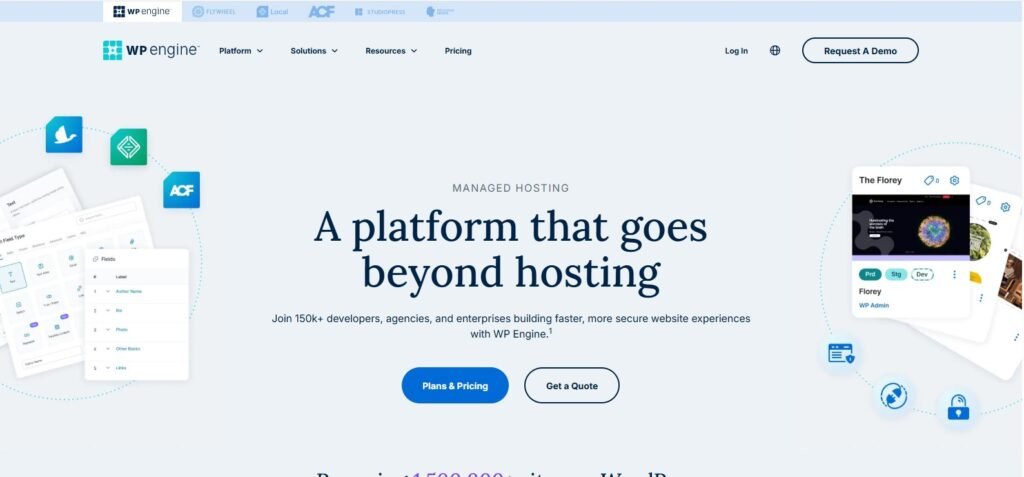
2. WP Engine – Managed Hosting for High User Activity
Overview:
WP Engine is one of the most trusted names for managed WordPress hosting. It focuses heavily on security, performance, and scalability.
Key Features:
- Optimized MySQL tuning for large databases
- Redis & object cache pre-configured
- 35+ data centers globally
- One-click staging and Git integration
- Free automated migration
Why It’s Ideal:
Its proprietary EverCache system dramatically reduces load on the database by caching dynamic content intelligently.
???? Starting Price: $20/month (Startup plan)
???? Best For: eCommerce and content-heavy websites
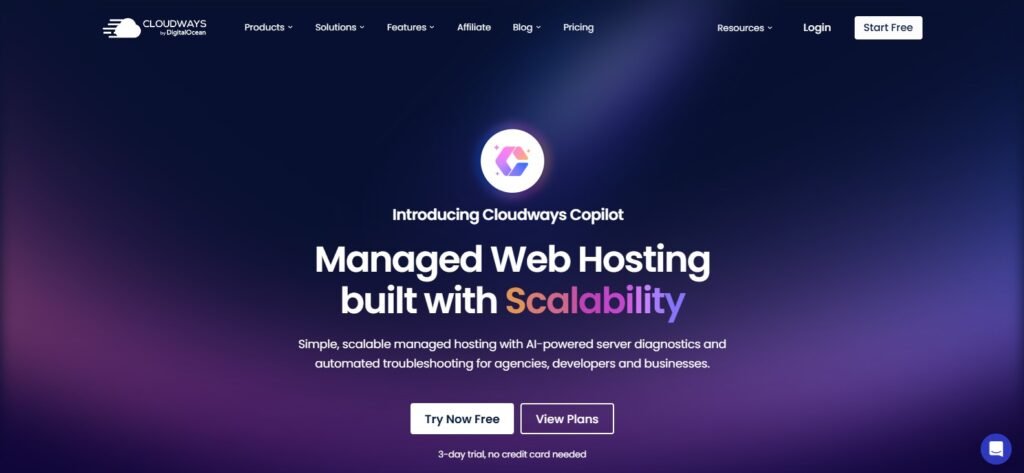
3. Cloudways (DigitalOcean or Vultr High Frequency)
Overview:
Cloudways combines the raw power of top cloud providers (DigitalOcean, Vultr, AWS, Linode) with an easy management dashboard and optimized WordPress stack.
Key Features:
- Nginx + Varnish + Redis + MariaDB stack
- Vertical scaling without reboot
- Team management and staging tools
- Pay-as-you-go billing
Why It’s Ideal:
Cloudways lets you deploy WordPress on VPS-level hardware while managing it like shared hosting. Perfect for growing platforms that need flexibility.
???? Starting Price: $14/month
???? Best For: Developers and agencies handling large multi-user sites
4. A2 Hosting Turbo VPS – Budget Power for Heavy WordPress Databases
Overview:
A2 Hosting’s Turbo VPS plans are ideal for advanced users who want full control. It uses NVMe drives, LiteSpeed, and Turbo Cache to handle high I/O workloads efficiently.
Key Features:
- Full root access with cPanel
- NVMe SSD storage + Turbo CPU
- Unlimited databases and sites
- Free Cloudflare CDN
- 24/7 Guru Crew support
Why It’s Ideal:
Affordable but incredibly powerful. You can install Redis, upgrade PHP workers, and tune MySQL configurations for maximum performance.
???? Starting Price: $7.99/month
???? Best For: Experienced WordPress admins, developers, or self-managed sites
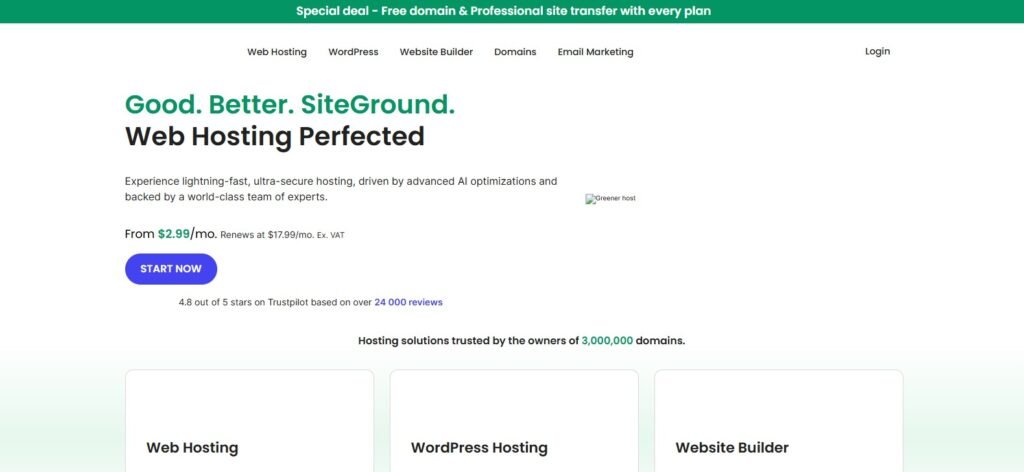
5. SiteGround Cloud Hosting – Reliable and Scalable Performance
Overview:
SiteGround’s cloud hosting uses Google Cloud infrastructure combined with its own speed-optimized environment.
Key Features:
- Auto-scaling CPU/RAM
- SSD storage + Nginx reverse proxy
- Dynamic caching and Redis
- Daily backup + restore
- 99.99% uptime guarantee
Why It’s Ideal:
Built for reliability — perfect for WooCommerce stores, eLearning portals, and community forums with large user databases.
???? Starting Price: $100/month (Cloud plan)
???? Best For: Established high-traffic websites
6. Hostinger Cloud Pro – Affordable Option for Large Sites on Budget

Overview:
Hostinger offers surprisingly powerful cloud hosting for a fraction of typical managed prices. It uses LiteSpeed Enterprise, ensuring great database response even under load.
Key Features:
- NVMe SSDs + 300 MB/s I/O speed
- Free SSL, CDN, and backups
- PHP 8.3 + HTTP/3 support
- Isolated resources (no sharing)
- 99.9% uptime guarantee
Why It’s Ideal:
It’s one of the best budget-friendly solutions for sites that outgrew shared hosting but aren’t ready for enterprise pricing.
???? Starting Price: $9.99/month
???? Best For: Large blogs, multi-author news portals
Performance Comparison Table (2025)
| Host | Storage | Database Cache | Scalability | Avg. Response Time | Price (USD/mo) |
|---|---|---|---|---|---|
| Kinsta | NVMe SSD | Redis | Auto | 350 ms | 35 |
| WP Engine | SSD | Object + Page | Manual | 380 ms | 20 |
| Cloudways | SSD | Redis | Instant | 360 ms | 14 |
| A2 Hosting | NVMe | Redis | Manual | 400 ms | 7.99 |
| SiteGround Cloud | SSD | Redis | Auto | 340 ms | 100 |
| Hostinger Cloud Pro | NVMe | LiteSpeed | Auto | 390 ms | 9.99 |
Optimization Tips for Large WordPress Databases
Even with top-tier hosting, your setup determines performance.
1. Optimize the Database Regularly
Use plugins like WP-Optimize or command-line tools to clean:
- Post revisions
- Expired transients
- Unused metadata
2. Use Object Cache
Redis or Memcached stores query results in memory, drastically reducing DB load.
3. Implement CDN + Edge Caching
Deliver static assets globally through Cloudflare, BunnyCDN, or KeyCDN for minimal latency.
4. Limit Plugins
Each plugin can add queries and slow down response time. Keep only essential ones.
5. Offload Media
Store large files in S3-compatible storage (like DigitalOcean Spaces or Bunny.net) instead of your main host.
6. Enable Persistent Connections
If supported, persistent DB connections reduce connection overhead for frequent queries.
When to Upgrade to a Dedicated or Cluster Setup
If your WordPress site exceeds:
- 500K monthly visits
- Database > 2 GB
- 50+ simultaneous users logged in constantly
- Heavy background jobs (cron, eCommerce, LMS, etc.)
Then move beyond traditional cloud hosting to:
- Dedicated servers
- AWS RDS or Google Cloud SQL for databases
- Load balancers for multi-server scaling
These setups cost more but ensure flawless uptime and speed at scale.
Common Mistakes to Avoid
❌ Relying on shared hosting for large sites
❌ Ignoring database indexes and query optimization
❌ Running without object caching
❌ Hosting everything (media + DB + app) on one server
❌ Neglecting uptime and monitoring tools
Use UptimeRobot, Netdata, or New Relic to continuously monitor performance.
Final Recommendations
| Need | Recommended Host | Why |
|---|---|---|
| Enterprise-level scaling | Kinsta | Auto-scaling + GCP performance |
| Managed + simplicity | WP Engine | Easy setup, best for non-tech teams |
| Developer flexibility | Cloudways | Custom stack, Redis-ready |
| Budget with control | A2 Hosting | Full root access and NVMe |
| Long-term stability | SiteGround Cloud | 99.99% uptime + auto scaling |
| Affordable yet powerful | Hostinger Cloud Pro | Fast NVMe for large databases |
If your site handles millions of monthly requests, go for Kinsta or Cloudways.
If you’re budget-conscious but serious, A2 Hosting or Hostinger Cloud Pro are strong starting points.
FAQs about Hosting Large WordPress Databases
Q1. Can shared hosting handle a large WordPress database?
No. Shared plans throttle CPU and memory. You need cloud or VPS hosting for consistent performance.
Q2. What’s the ideal database size limit for WordPress?
WordPress can technically handle databases of 5–10 GB, but performance depends on hosting hardware and optimization.
Q3. How can I improve WordPress speed for large databases?
Use Redis object caching, offload media, and regularly optimize your database tables.
Q4. Do I need dedicated hosting for 100K+ users?
Yes — or a scalable cloud setup with load balancing. Shared hosting will not survive concurrent logins.
Q5. What’s better: MySQL or MariaDB?
MariaDB often performs faster for read-heavy WordPress workloads, while MySQL 8.0 offers more stability for enterprise use.
Q6. Should I use managed or unmanaged hosting?
If you’re not comfortable tuning MySQL, choose managed hosting (like Kinsta or WP Engine). Developers can save costs with unmanaged VPS (A2, Cloudways).
Conclusion
A large WordPress database and an active user base demand more than just “good hosting” — they require infrastructure built for scale.
Whether you’re managing a growing news site, an eLearning platform, or a massive WooCommerce store, investing in scalable, performance-optimized hosting pays off exponentially.
- Kinsta and WP Engine dominate managed performance.
- Cloudways offers unmatched flexibility.
- A2 Hosting and Hostinger Cloud deliver speed on a budget.
With the right setup — caching, CDN, and database tuning — your WordPress site can easily handle millions of monthly views and thousands of users simultaneously.
Your hosting is the backbone of your growth. Choose wisely, optimize continuously, and your large WordPress site will perform like an enterprise-grade application.